
TinyFingers games
Little games. Big discoveries.
Twenty free games to create, pretend and discover.
Choose a little adventure to explore together.

The original TinyFingers
Any key. A little magic.
The keyboard playground that started it all. Letters, shapes and sounds with every little touch.
A little more to explore
20 games · No account needed
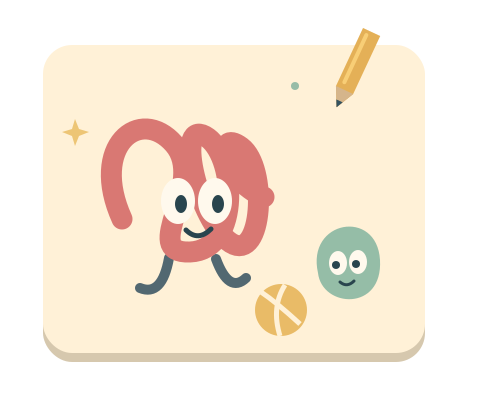
Scribumi
A little doodle. A brand-new friend.
Explore the game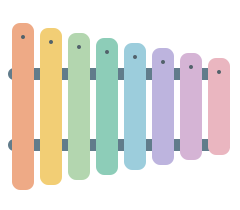
My First Xylophone
Eight notes. A little tune of their own.
Explore the game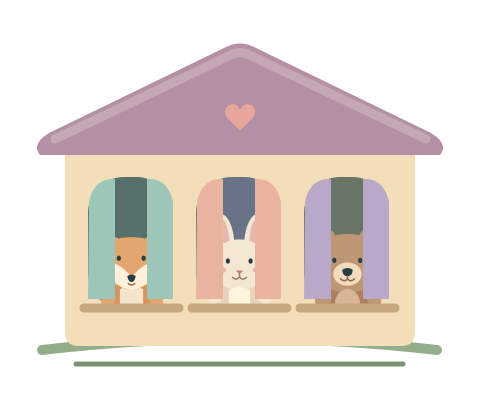
Peekaboo House
A little window. A friendly hello.
Explore the game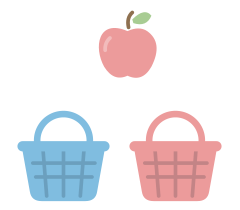
Color Baskets
Find a home for every color.
Explore the game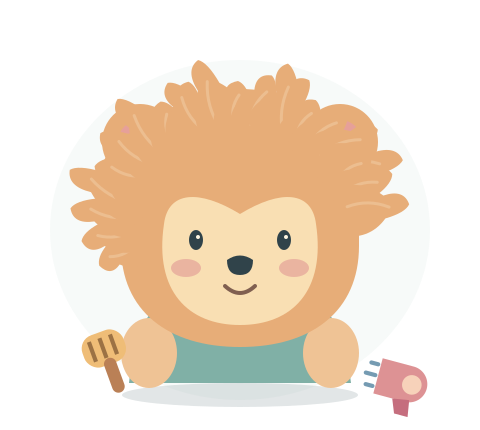
Fluffy Salon
A fluffy friend. A look of your own.
Explore the game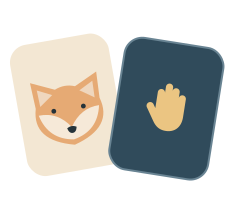
My First Memory Game
Find two matching friends.
Explore the game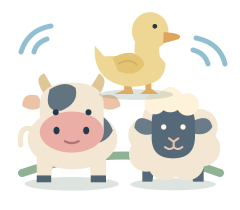
Animal Sounds
A little voice for every animal.
Explore the game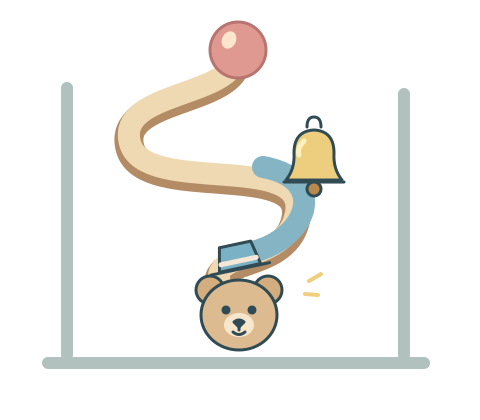
Marble Machine
Build a little path. See what happens.
Explore the game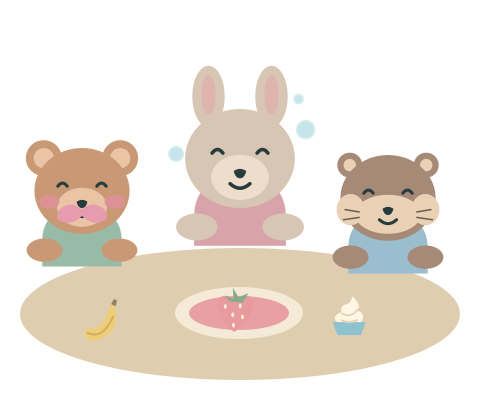
Teddy Banquet
Little recipes. Big teddy smiles.
Explore the game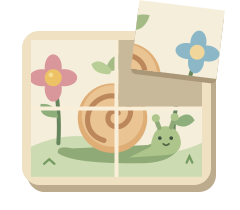
My First Puzzle
Piece by piece, a picture appears.
Explore the game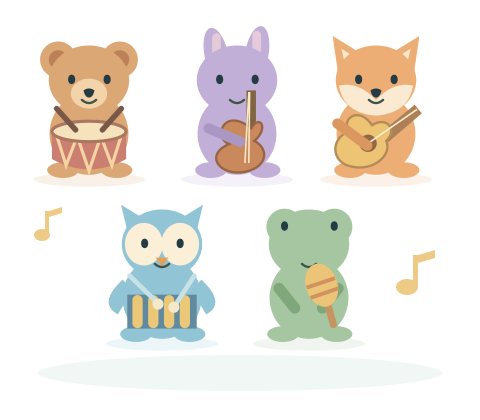
Critter Orchestra
A little band, conducted by you.
Explore the game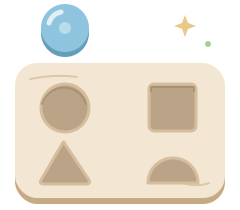
Shape Box
A little place for every shape.
Explore the game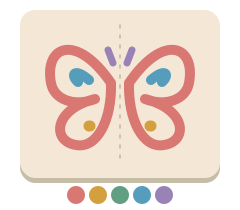
Mirror Drawing
One little mark. Two little wonders.
Explore the game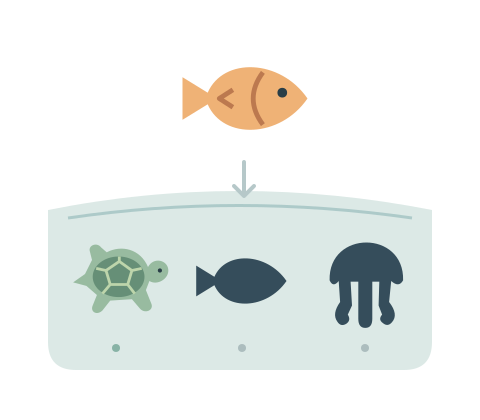
Shadow Match
A little shadow. A familiar friend.
Explore the game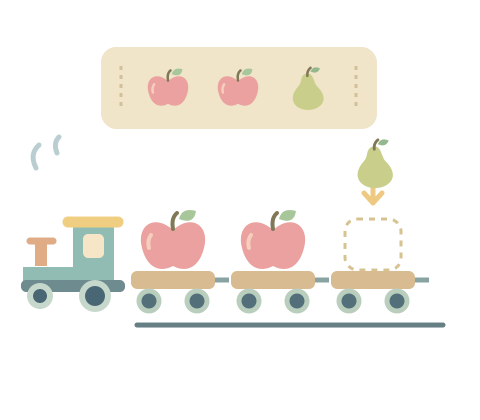
Pattern Train
Find the pattern. Fill the little train.
Explore the game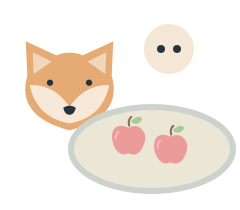
Counting Picnic
Bring Fox an apple picnic.
Explore the game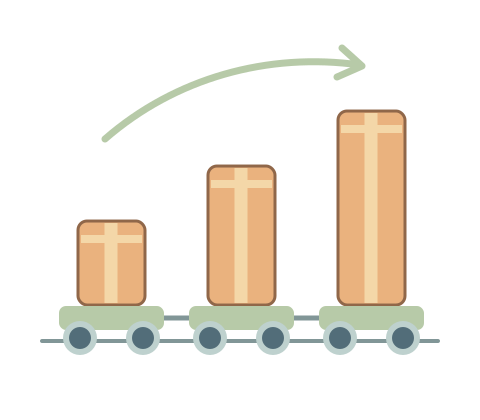
Small to Big
Little things, growing together.
Explore the game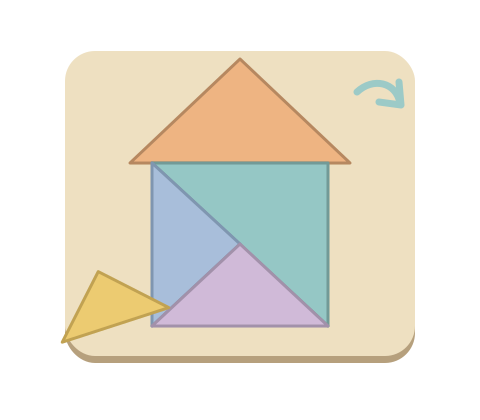
Junior Tangram
Little shapes make a bigger picture.
Explore the game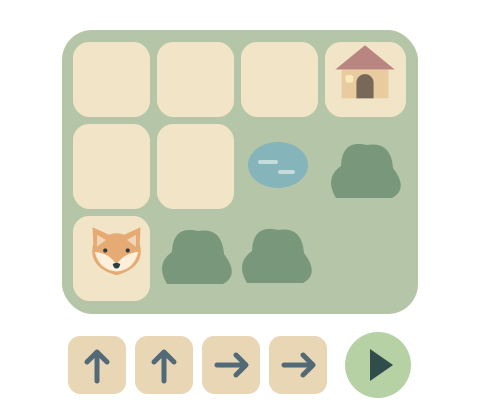
Little Coding Walk
A few little arrows. A way home.
Explore the game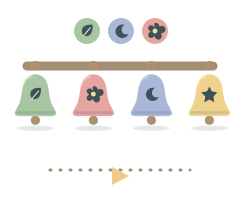
Bell Echo
A little melody. Your turn to echo.
Explore the gameChoose a game for your child
Start with something your child is curious about: a funny character, a sound, a picture to draw or a little puzzle to solve. The ages shown are a guide. You can try a simpler level or add a little challenge as you play together.
For bringing an idea to life
Make a new friend in Scribumi, invent a fluffy look in Fluffy Salon, or prepare a playful recipe in Teddy Banquet. These are open-ended toys: there is no right picture, score or recipe to finish.
For a little concert
Bring musicians together in Critter Orchestra. For a listening and remembering game, try Bell Echo: watch and hear a short sequence, then play it back at your own pace. The visual sequence also works with sound off.
For trying an idea and seeing what happens
Change a little circuit in Marble Machine, or choose arrows and watch a friend follow them in Little Coding Walk. Older children can build a figure in Junior Tangram or complete a repeating rule in Pattern Train.
For a hello together
Peekaboo House has large windows and friendly surprises to discover with an adult. Share the little hellos, take turns and follow your child's interest. It is a shared activity, not an independent learning lesson.
For making music
My First Xylophone is an online instrument with eight colorful bars. Tap one note again and again, slide across the bars or take turns making a short tune. There is no sequence to get right, so it is a gentle place to begin with free play.
For matching colors
In Color Baskets, your child chooses a basket that matches the object. Two colors keep the choice simple; three or four add more possibilities. A tap is enough to send the object to its basket.
For exploring shapes
In Shape Box, one piece waits for its matching space in a little board. Tap the space or slide the piece into place. Start with a circle, a square and a triangle. Choose two shapes for a simpler choice, or four to add a semicircle.
For counting together
Counting Picnic turns a number into apples on a plate. Count each apple as you add it, then share the meal with Fox. The first level shows spaces to fill for quantities up to three; later levels offer larger amounts and fewer clues.
For finding matching pictures
My First Memory Game starts with three pairs and a short peek at the pictures. Choose two pairs for a smaller board, or try four pairs and turn off the preview when your child wants more to remember.
For finding a familiar outline
Shadow Match brings a picture back to its silhouette. Start with three choices; match by tapping or moving the picture, then watch the little collection fill with color.
For putting a picture together
My First Puzzle starts with four pieces of an original illustration. Choose a piece and its place, or slide it into position. Two- and six-piece puzzles offer a smaller or larger picture-building challenge.
For comparing sizes
In Small to Big, objects join a little train from smallest to biggest. Three sizes start the game; choose two or four in Parents. A small object still has a generous area to touch.
For listening and exploring
Animal Sounds begins with free exploration: touch an animal to hear its real recorded voice. Parents can choose an optional listen-and-find game with two or three animals. Explore visually when sound is off.
For making something of their own
Mirror Drawing reflects every little mark. Tap for a pair of dots, draw with a finger or mouse, or use the keyboard to place mirrored stamps. The drawing stays while you pause or turn the screen; there is no picture to get right.
For a child who simply wants to press keys or touch the screen and see what happens, start with the original TinyFingers keyboard game. Each little input brings letters, shapes and sounds to life.
A few things to know before you play
Free games, ready in your browser
Choose a game, open its page and select “Play now”. There is nothing to install and no account to create. Each game page explains the controls before you begin.
On a computer, tablet or phone
Play with a keyboard or mouse on a computer, or tap the game on a touchscreen. The games fit the available screen; a tablet gives little hands more room to choose a basket or turn a card.
Simple settings for parents
During play, click or touch and hold “Parents” for two seconds, or type parent on a keyboard. Adjust the sound, background and motion there. Matching, sorting and puzzle games have levels; Animal Sounds has exploration and listening modes. Creative games stay open-ended, with no score or timer to chase. New puzzles and challenges start at their middle level; Parents can choose a simpler or harder version.
Explore together at your child’s pace. Take turns, try another game or stop whenever you are ready.