
Shapes & building
Junior Tangram
Build six little pictures, or make your own. Turn simple shapes into something new.
Play now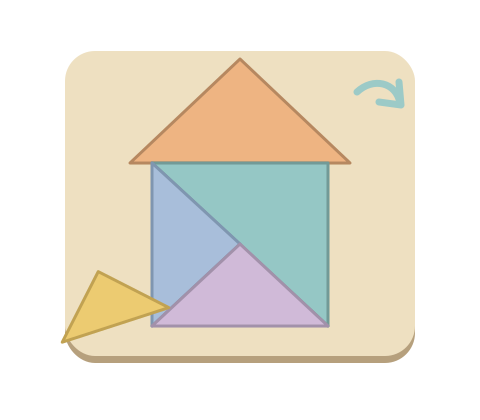
How to play
- Choose a loose shape, then tap its place inside the silhouette. Dragging works too.
- If its edges face the wrong way, tap the curved arrow to turn it a quarter turn. Every level begins with one turned piece.
- Fit the shapes together to build a house, sailboat, fish, kite, bird or butterfly. Each complete picture gets a little finishing touch. Your pieces stay where you placed them.
Playing with a keyboard? Use the arrows to choose a shape, then Enter or Space. Use the arrows again to choose a space and Enter or Space to place it. Press R to turn the selected shape, or Escape to cancel the selection. The numbers shown on shapes and spaces are shortcuts.
A shape becoming a picture
A triangle can become a roof or part of a sail. Look at the edges and corners: the empty spaces have the same colour, so colour never gives away the answer. Shapes with exactly the same outline can swap places.
Tap the eye to see the outlines more clearly for a moment. Look again with a shape selected for an extra clue. The clue never places or turns a piece for your child. A shape tried elsewhere stays available, without a buzzer, timer or penalty.
Make it right for your child
The first game has four shapes. In Parents, keep Pictures and choose three pieces for a shorter assembly or five for more to bring together. The turning rule stays the same. Changing the level starts another figure, and your choice is remembered.
This junior shape game uses original figures divided into three, four or five pieces. It is inspired by tangram play, rather than the traditional seven-piece set. Play again to discover another picture. You see all six before the set repeats.
A picture of their own
In Parents, choose Make your own for a blank board and five shapes. Slide a shape onto the board, or choose it and tap a place. Move, overlap and turn the shapes however you like. Undo reverses the last change; Put back returns the selected shape to its tray. There is no right answer or automatic finish.
With a keyboard, select a shape with 1–5, use the arrows to move it, Enter to put it down and R to turn. Z undoes a change, and Delete puts a shape back. In Parents or End, save the actual picture as a PNG signed TinyFingers. Nothing is uploaded. Switching activities keeps both pictures during this game; Start again begins afresh.
Try a turn together and notice what changed. There is no need to finish: the session picture shows the pieces actually placed.
During play, click or touch and hold “Parents” for two seconds, or type parent. Change the level, sound, background or motion, or switch off the gentle idle hint. These age ranges are a guide; take your time together.
Another little discovery
All games →
My First Puzzle
Piece by piece, a picture appears.
Explore the game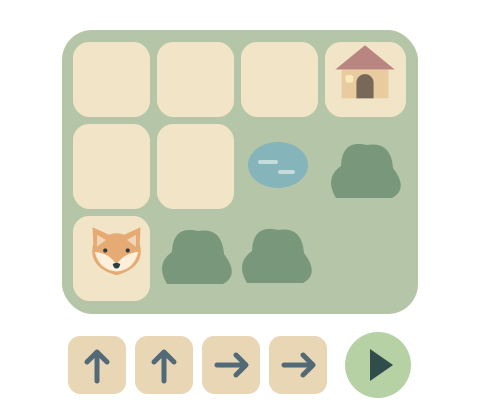
Little Coding Walk
A few little arrows. A way home.
Explore the game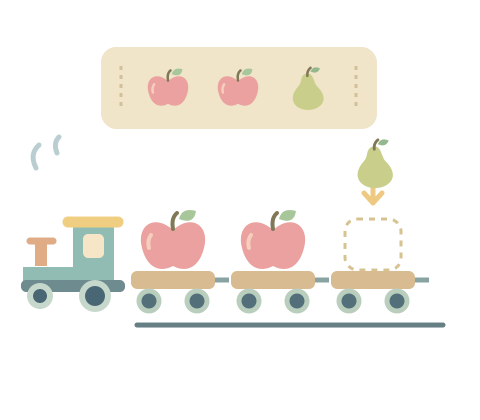
Pattern Train
Find the pattern. Fill the little train.
Explore the game