
Pictures & puzzles
My First Puzzle
Six little pictures to put together, one big piece at a time. Choose a favourite or discover a surprise.
Play now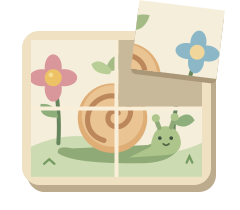
How to play
- Look at the small picture and choose a loose piece.
- Tap or click the place where it belongs. You can also drag it into place; the pieces are already the right way up.
- Keep going until the whole picture is together. Every piece you place stays put.
Playing with a keyboard? Use the arrow keys to choose a piece, then Enter or Space to select it. Use the arrows again to choose a space in the picture, and Enter or Space to place it. Escape cancels your selection. You can also use the numbers shown on the pieces and spaces.
A picture coming together
A pink flower, a curl in a snail's shell, a little round train wheel. Each piece has something to look for in the picture. The loose pieces keep their places, so your child can take time to compare two edges.
A piece tried elsewhere comes back for another go. Nothing is taken away, and there is no timer. Tap the little picture to see the whole scene on the board for a moment. Your child still chooses every piece and every space.
Make it right for your child
Your first puzzle has four pieces. Choose two pieces in Parents for a simpler picture with a gentle model underneath. Choose six or nine for more pieces to put together. Changing the level starts a new puzzle, and your choice is remembered for next time. The picture guide can stay visible, appear only when requested, or follow the level.
Try a piece together, then let little hands take over. Point out a line that continues from one piece to the next, or name a detail your child notices. Choose the snail, sailboat, train, turtle, balloon or rabbit in Parents. A favourite stays selected when you play again. With “Surprise me”, all six pictures appear before the next shuffled set begins.
During play, click or touch and hold “Parents” for two seconds, or type parent. You can change the picture, level, picture guide, sound, background and motion, or switch off the gentle hint that appears after a pause.
Ages are a guide. There is no need to finish every picture. Stop whenever you like; the session picture shows the pieces your child actually placed.
Another little discovery
All games →
My First Memory Game
Find two matching friends.
Explore the game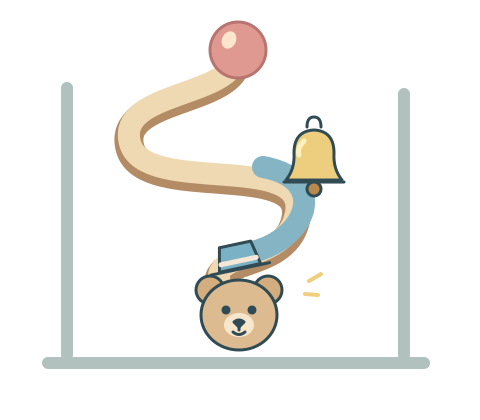
Marble Machine
Build a little path. See what happens.
Explore the game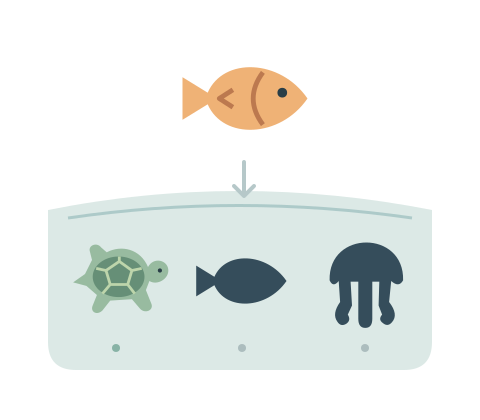
Shadow Match
A little shadow. A familiar friend.
Explore the game