
Paths & planning
Little Coding Walk
A few arrows. A little journey home. Plan a path, watch Fox walk, and change one step to try again.
Play now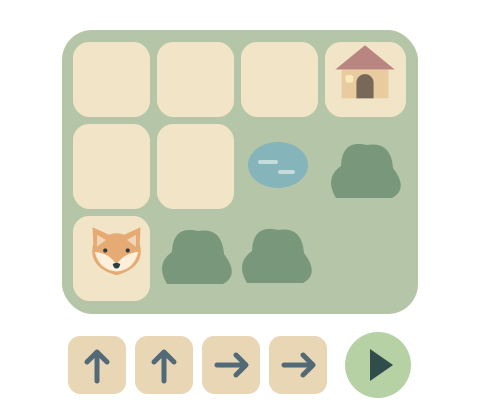
How to play
- Look for Fox and the little house. Touch the large arrows to make a plan.
- Touch the green triangle to play the walk, or One step to follow just one instruction. Press One step again when you are ready; the triangle continues from there. Reaching home ends the walk; when there is a flower, visit it first.
- If Fox stops before home, touch an arrow in your plan and choose a different direction. You can add another arrow or remove one with the delete-arrow button. When the plan is full, choose a numbered arrow before changing it.
Playing with a keyboard? The arrow keys add or change directions. Press a number to choose a place in your plan, then an arrow key to change it. Tab reaches every button; Enter or Space activates the focused button. With the garden focused, Enter starts or stops the walk. N walks one step. Backspace removes the selected arrow (or the last arrow when the plan is full), Escape stops a walk, and H shows a hint.
Small steps, real choices
The arrows always mean up, down, left and right on the screen. They do not change when Fox turns. The highlighted arrow shows which step Fox is following. Bushes and ponds stay in place while your child plans.
A step off the path simply stops the walk. A quiet numbered marker shows which step met a bush, a pond or the edge. Your child keeps the whole plan and can change just one arrow. Touch Fox for a hint: a suggested direction and the next destination are outlined, but your child still chooses every step.
Make it right for your child
The first visit starts with Little detours, the middle level. In Parents, choose Small paths for shorter plans, or Visit a flower for a stop on the way home. There are six gardens at each level, played three at a time. Replaying visits the other three before the first gardens return. The level stays the same throughout; changing it starts a new round and is remembered for next time.
Try saying a short plan together before starting it: “up, up, right.” Let your child see what happens and decide what to change. There is no need to get it right on the first attempt. One step lets you predict each move together and choose when to continue. The green square stops a walk where Fox is; Play or One step continues. Changing or removing an arrow puts Fox back at the start and keeps the rest of the plan.
During play, click or touch and hold “Parents” for two seconds, or type parent. You can change the level, sound, background and motion, or switch off the gentle hint that appears after a pause. The game also works with sound off.
Ages are a guide. Stop whenever you like. The session picture shows the current garden and Fox's actual position; completed walks are counted only when Fox reaches home, after visiting the flower when one is present.
Another little discovery
All games →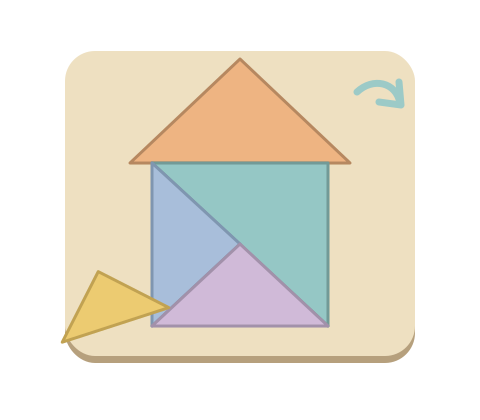
Junior Tangram
Little shapes make a bigger picture.
Explore the game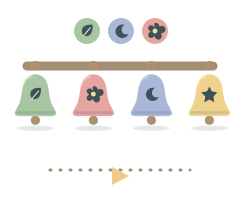
Bell Echo
A little melody. Your turn to echo.
Explore the game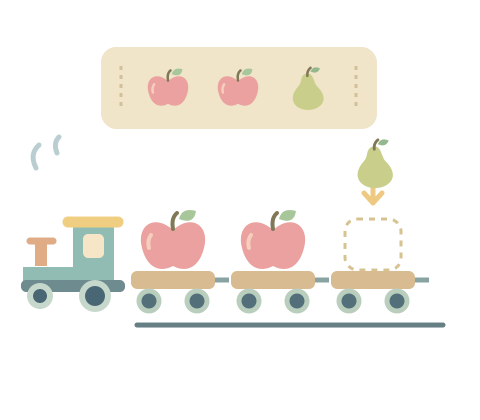
Pattern Train
Find the pattern. Fill the little train.
Explore the game