Show the problem
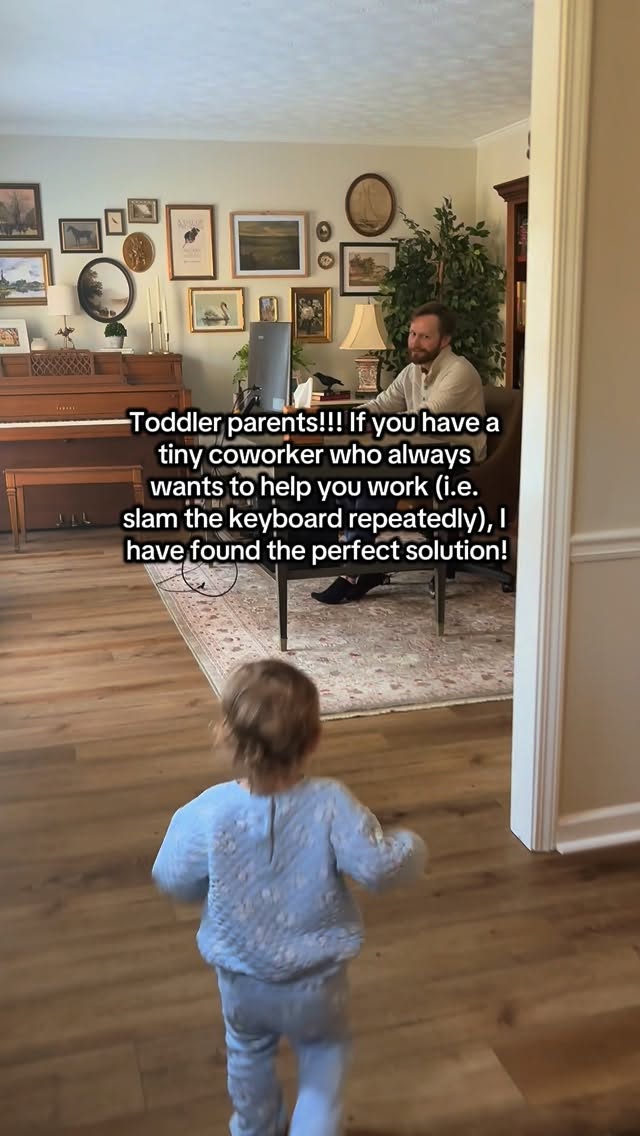
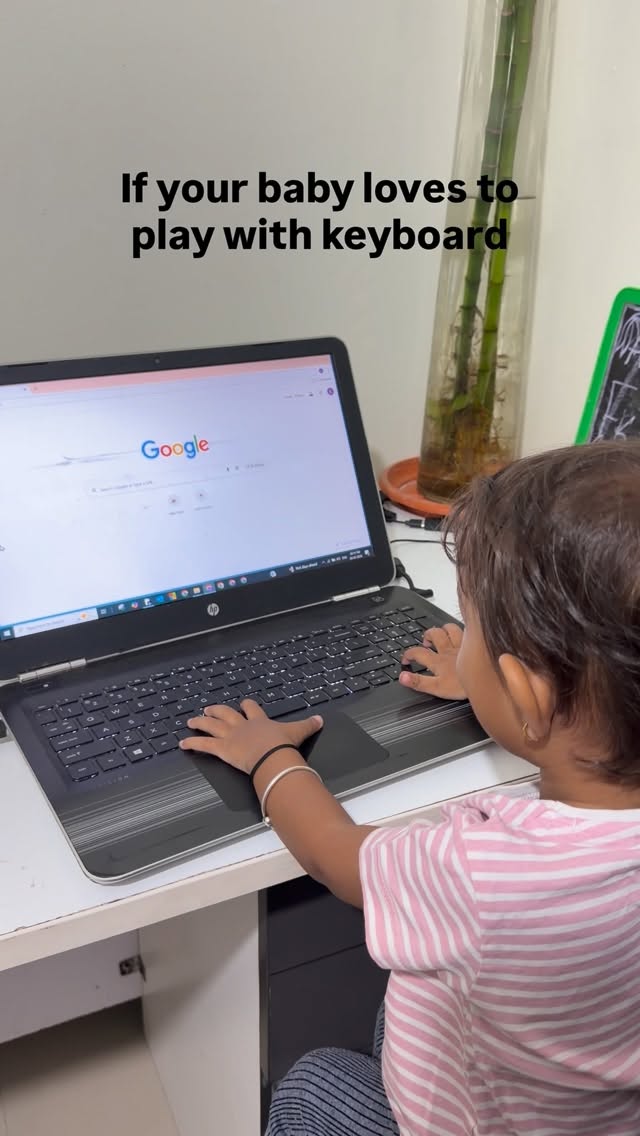
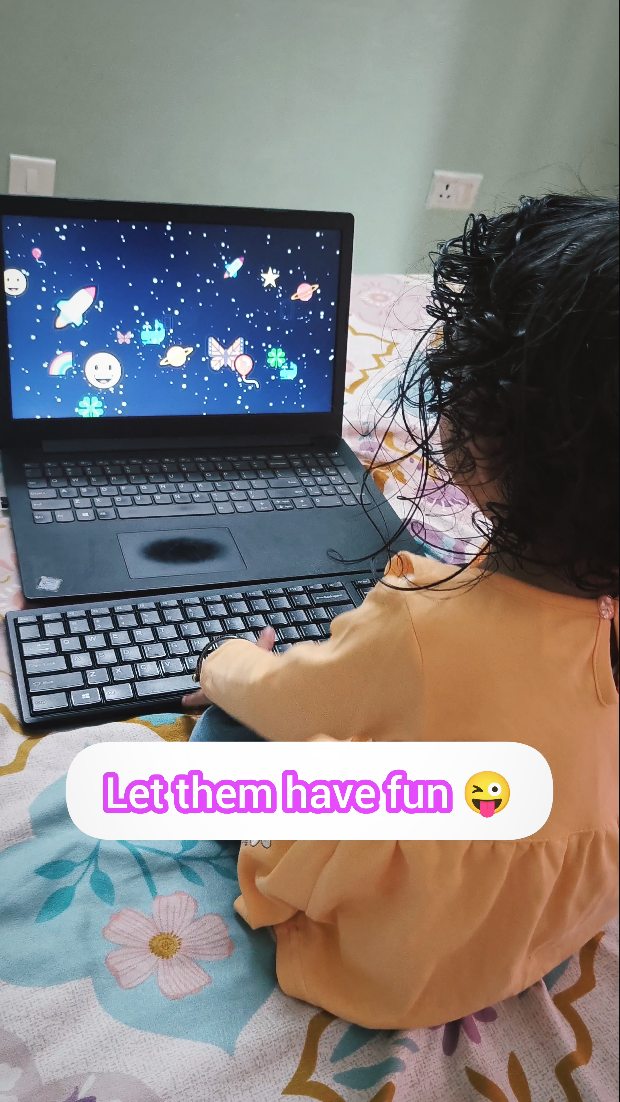
Your toddler wants the keyboard.
Creator playbook
The best TinyFingers videos tell a tiny story: a toddler wants the keyboard, TinyFingers turns the chaos into something safe and funny.
Post publicly, tag @tinyfingersnet or use #TinyFingers — with the creator’s permission, we feature selected clips on /videos.
Keep the story simple. Viewers should understand the problem, the handoff, and the reaction immediately.
Your toddler wants the keyboard.
Let them smash safely in fullscreen.
The chaos, focus, smile or surprise is the video.
Choose the situation that matches your home. Each one includes a hook and a simple shot list.
POV: you’re trying to work from home with a toddler
Best for: Laptop, email, meeting or work setup.
My toddler kept attacking my laptop... so I gave them this
Best for: Before/after videos.
Wait for the moment they realize every key works
Best for: First-time reactions.
I gave my tiny coworker their own keyboard
Best for: Work-from-home parent videos.
Can your toddler beat this score?
Best for: Smash report or challenge links.
I let my toddler smash the keyboard on purpose
Best for: Funny parent captions.
Short, obvious captions usually work best. Add the site so parents can find it.
POV: you’re trying to work from home with a toddler 😂
tinyfingers.net
@tinyfingersnet #TinyFingers
My toddler kept stealing my keyboard, so I found a safer version 😂
tinyfingers.net
@tinyfingersnet #TinyFingers
This bought me 3 minutes of peace and saved my laptop 😂
tinyfingers.net
@tinyfingersnet #TinyFingers
Can your toddler beat this score? 👀
tinyfingers.net
@tinyfingersnet #TinyFingers
Please only share videos you’re comfortable making public.
Already posted?
Send us the public link. No uploads, no account, just a public URL from Instagram, TikTok, YouTube or Facebook.
Submitting a link does not transfer ownership or give TinyFingers permission to repost it. We’ll contact the creator before featuring a clip.
Public links only.
Only submit clips you created and are allowed to share. If a child appears, you must be their parent or legal guardian, or have the guardian’s permission.
Watch examples from parents around the world before making your own.
Post your video publicly and tag @tinyfingersnet or use #TinyFingers. You can also submit a public video link. We’ll contact the creator before featuring or reposting a clip.
No. TinyFingers only uses public links from platforms like Instagram, TikTok, YouTube or Facebook.
Avoid private information such as email, documents, addresses, passwords, school details or anything you don’t want public.
Short videos that show the keyboard problem, TinyFingers as the solution, and the toddler’s reaction usually work best.